Making staff onboarding and access better
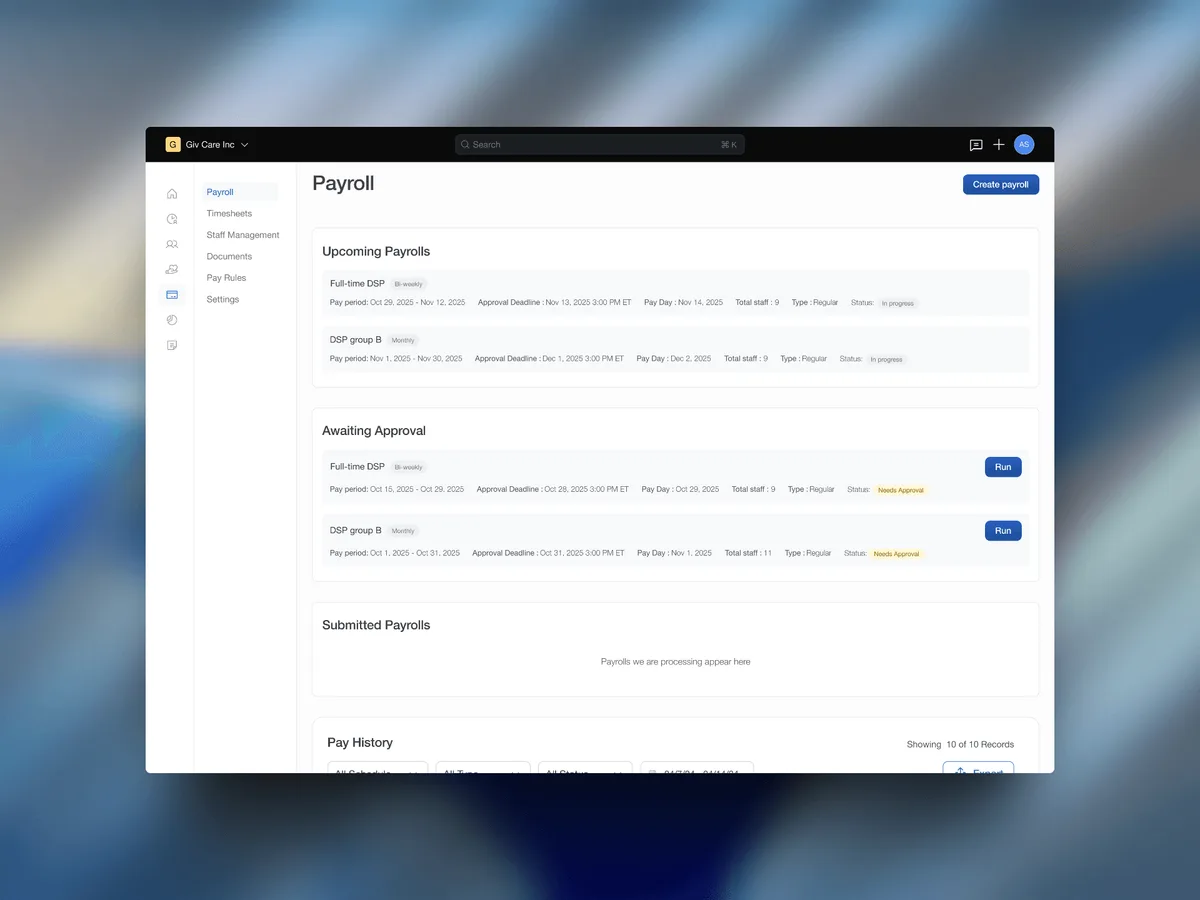
Giv serves IDD care agencies managing dozens of staff across shifts, clients and compliance-layered schedules. In a system like this, getting a new staff member into the system and giving them the right access should be straightforward. In reality, the setup flow was a fragmented bottleneck, and the data access controls were dangerously rigid.
I redesigned two deeply interconnected user experiences, restructuring how agencies bring their staff into Giv and control exactly what data each person can access based on their real job functions.
What needed to change
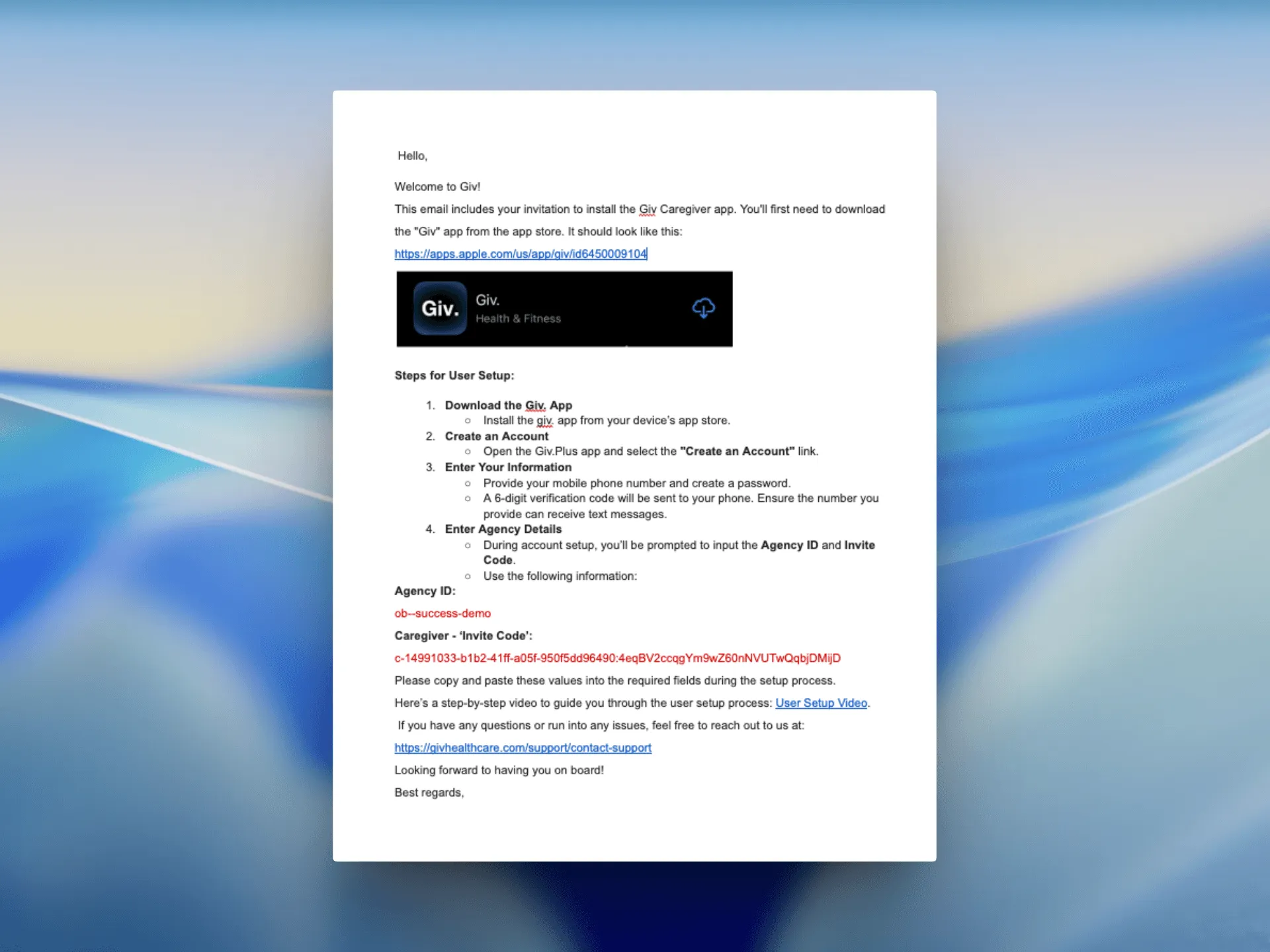
When a new staff member joined a caregiving agency on Giv, their welcome looked like this: an admin entered their name and email. The staff member then received an email containing a long agency code, a unique string of characters tied to their agency, because Giv is a multi-tenant platform. They had to download the Giv app, open it and manually enter the code to get access.
This caused unnecessary drop-off. Support tickets piled up, and admins had no visibility into whether an invite had even been actioned.
On the permissions side, access control didn’t reflect the real organisational structures of agencies handling sensitive health-related client information. The platform had a basic list of toggles, one per major platform area, to turn access on or off. That was the entire access model for organisations managing dozens of staff across complex, multi-role caregiving operations, with no way to add more granular control.
Reducing cognitive load and protecting scalability
Both the onboarding and permission problems came from the same root cause: the system was designed for small, simple agencies and hadn’t kept up with the multi-tiered operations of large care organisations.
To solve the problem, I set two simple rules for myself before drawing a single line.
First, make it seamless for agencies to onboard their staff. Giv serves people with intellectual and developmental disabilities, their caregivers and busy administrators. Onboarding had to drastically reduce cognitive load so that anyone could log in without needing to contact support.
Second, design for scalability. The new permission system couldn’t just fix today’s bugs. We needed a setup that allowed agencies to add new staff roles over time without breaking the engineering groundwork.
01 — Designing for inclusion
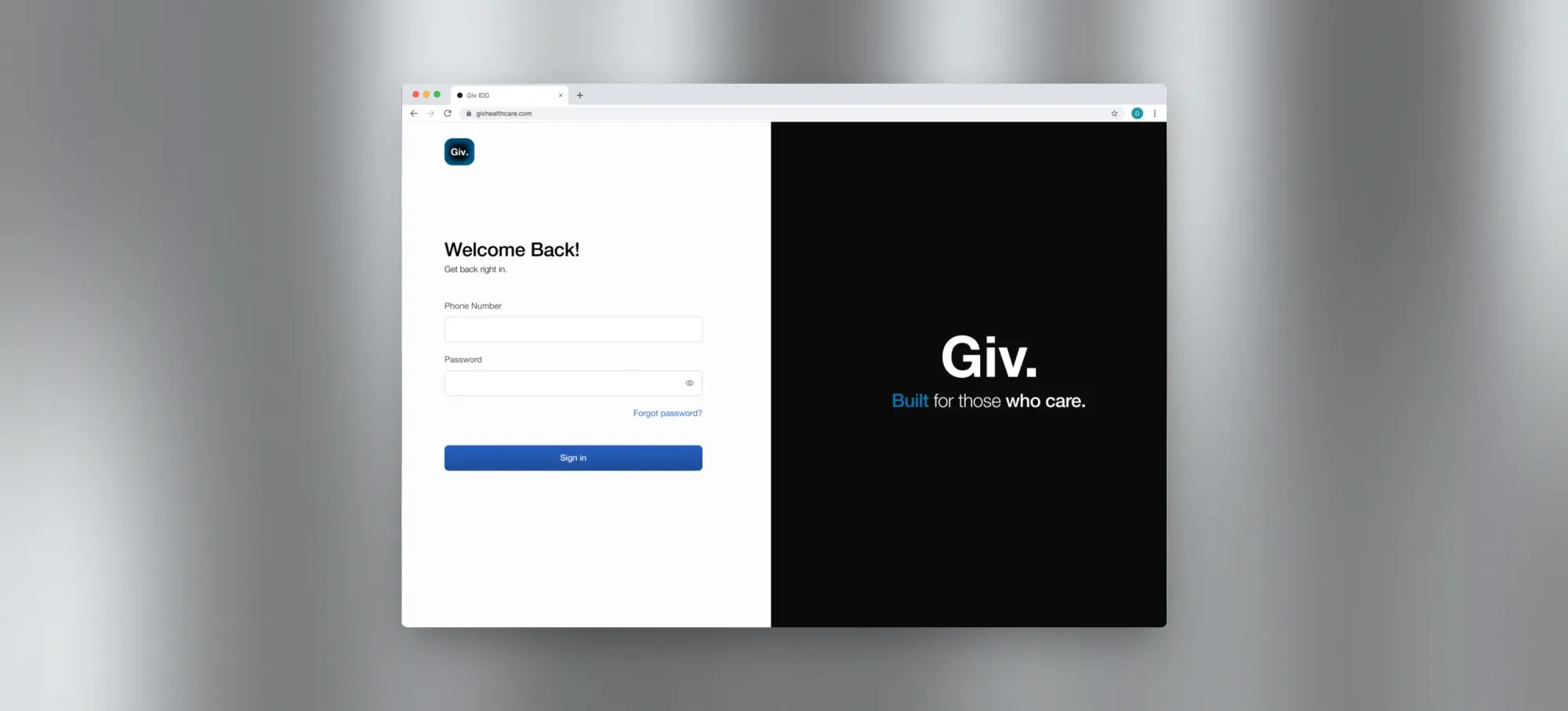
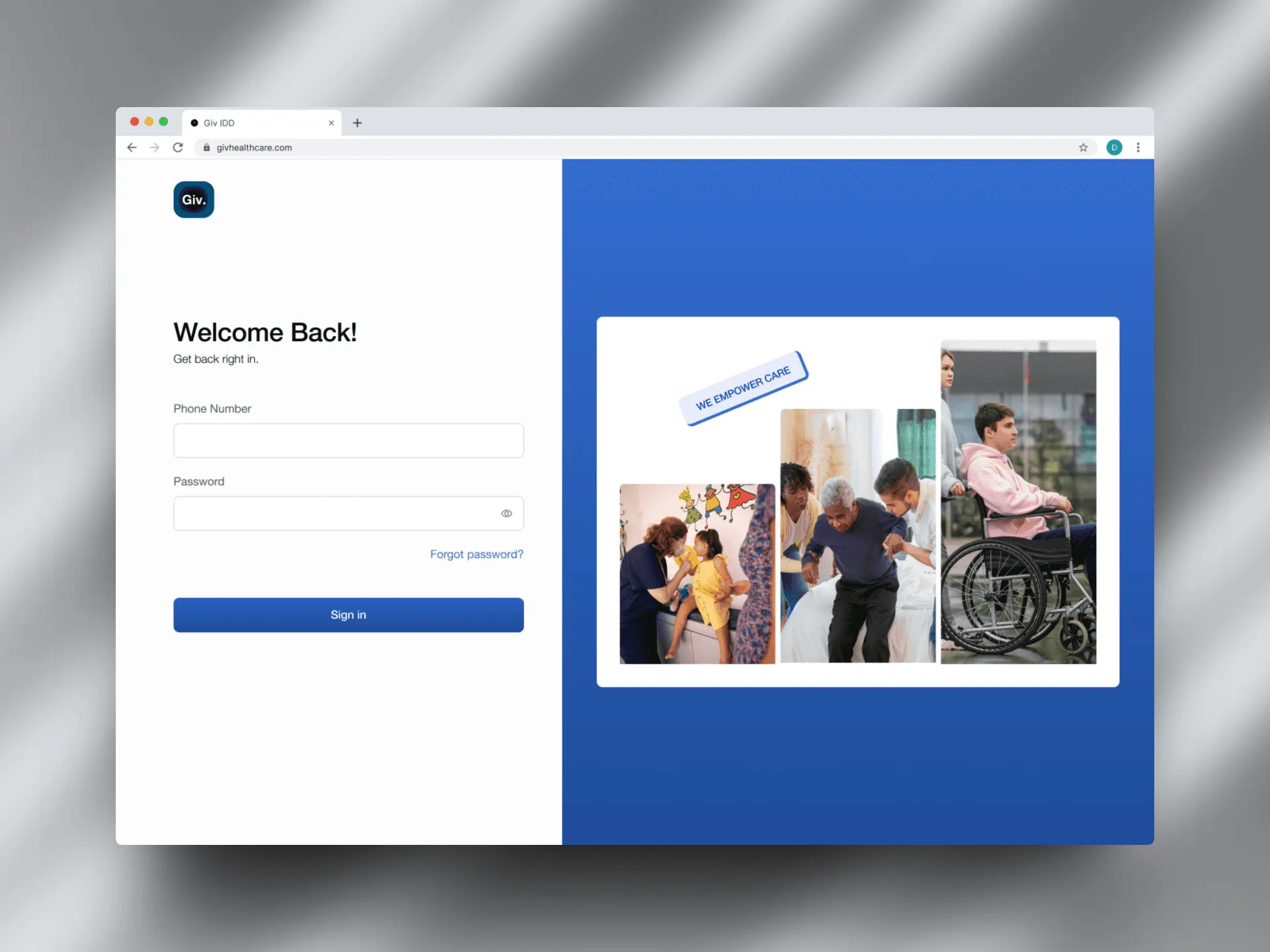
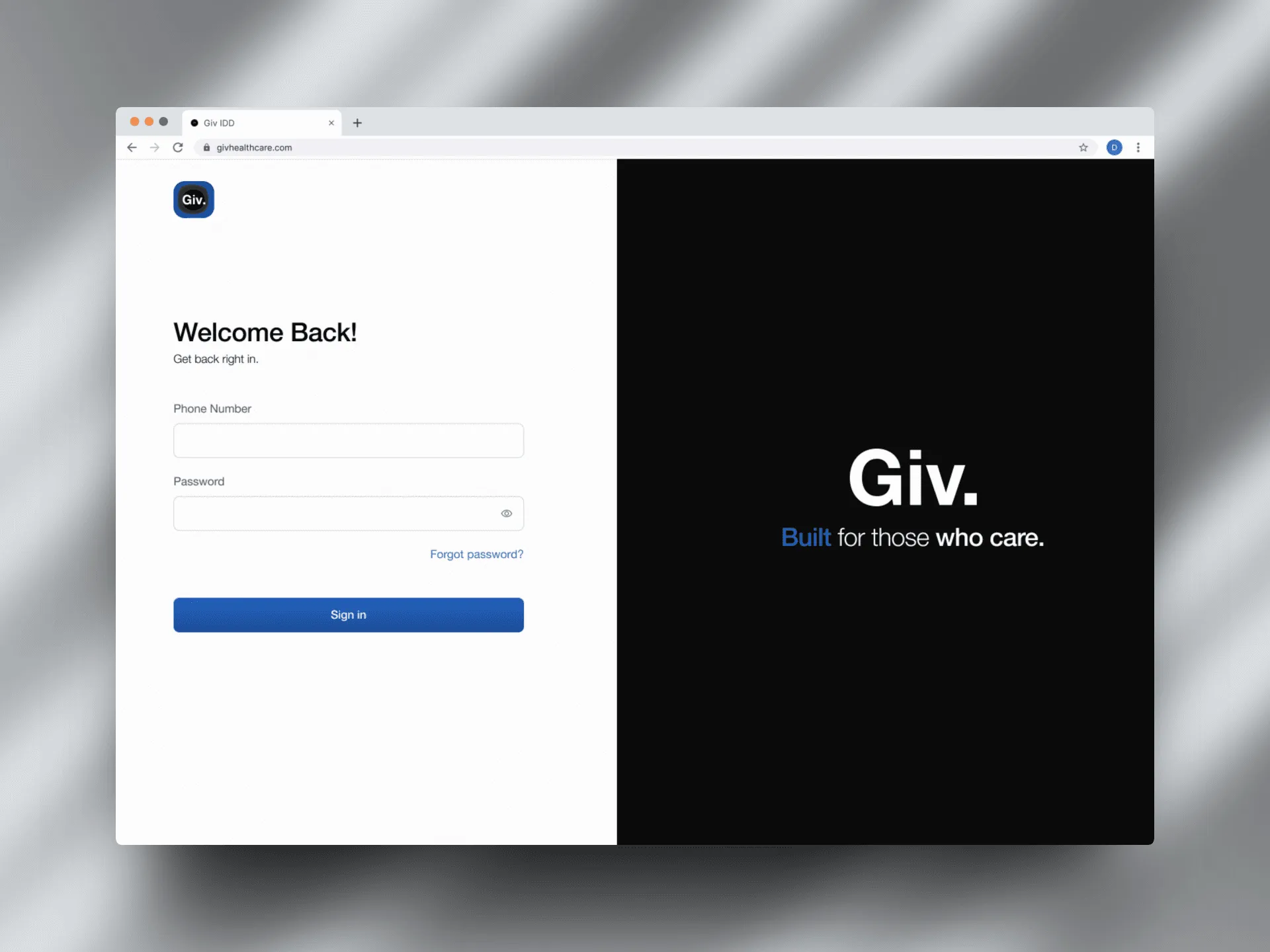
I initially designed a sleek, modern web login screen, but it didn’t fly.
During evaluation, stakeholder feedback made me realise that for our specific IDD end-user base and varied caregiver demographics, it risked making users feel excluded. This shifted the direction towards a simpler, more inclusive approach.
02 — Removing the agency code entirely
The code was not just a user headache; it reflected the wrong mental model. So I replaced it with a clear “Join now” CTA that redirects staff directly into the setup flow.
The email template was redesigned alongside the product flow. The email is the first thing a new staff member sees when they get added, so it needed to match the clarity of the new experience, not undermine it.
03 — Tying permissions to access levels
I initially tied permissions directly to individual roles, with granular view and edit controls, which was a real step forward. But engineering flagged that while this worked, it could limit adaptability for different organisational structures and cause duplication in the database, because different roles may require similar sets of permissions.
For better scalability, we decided that permissions should be tied to access levels. Admins can use predefined access levels or create custom ones, making role creation as simple as naming a role and assigning an access level.
User feedback also revealed that some staff wear multiple hats. To support this, every staff member gets Caregiver App access by default, while admins can assign additional roles based on their responsibilities.
04 — Designing for change
Access management doesn’t stop when a staff member is onboarded.
I designed the experience to support ongoing changes by allowing admins to edit role details, select new access levels and reassign staff when responsibilities change.
What came out of it
The redesign led to a 70% reduction in support tickets related to staff access. It also strengthened the platform’s compliance with US healthcare data regulations by giving agencies tighter control over who could access sensitive client information.
This project taught me the true value of early engineering alignment. Great enterprise design isn’t just about interface layout; it is about deeply understanding database architecture and product scalability.